

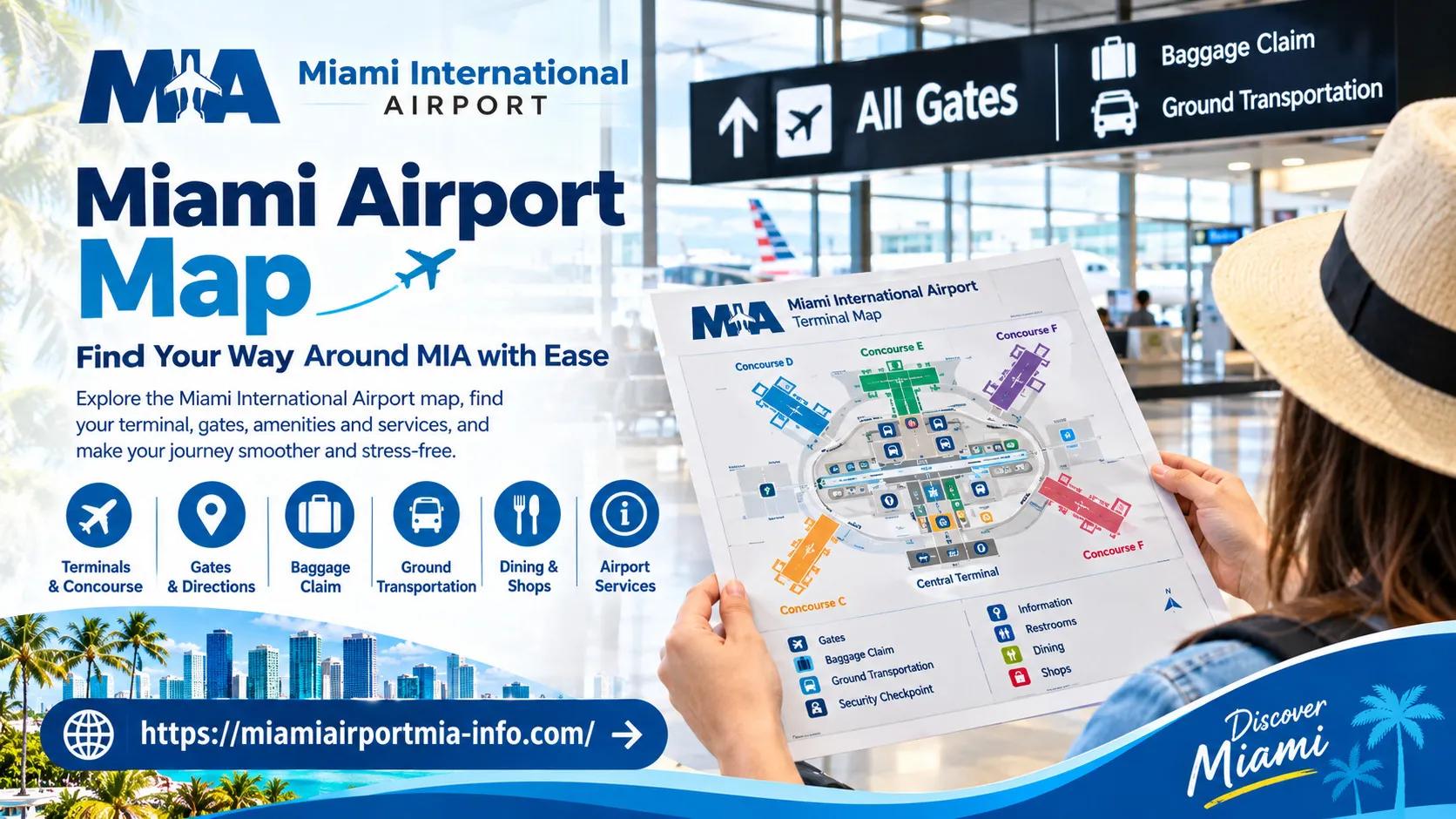
Traveling through a large international airport can feel complicated, especially when you are unfamiliar with its terminals, security checkpoints, and transportation options. A Miami airport map helps passengers understand the layout of Miami International Airport (MIA), identify important facilities, and plan their journey before arriving. Whether you are catching a departing flight, meeting an arriving passenger, or transferring between connecting flights, knowing where to look can make airport navigation much less stressful.
What Is a Miami Airport Map and Why Is It Useful?
An airport map is a visual guide to the buildings, concourses, passenger facilities, and transportation connections within an airport. A map of Miami airport can help travelers understand where they need to go before they enter the terminal, rather than relying entirely on signs after arrival.
Depending on the map, passengers may be able to identify:
Airline ticketing and check-in areas.
Security checkpoints and departure gates.
Arrivals corridors, baggage claim, and customs facilities.
Restaurants, shops, restrooms, lounges, and information desks.
Parking garages, airport exits, and ground transportation connections.
The most useful map depends on the purpose of your visit. A departing passenger may need a terminal and gate directory, while someone collecting a family member may need baggage claim and curbside pickup directions. Travelers with connecting flights may need information about concourse connections and security access.
How Is Miami International Airport Organized?
Miami International Airport is organized into North, Central, and South terminal areas, with concourses identified by letters. These include D, E, F, G, H, and J. Gate numbers are associated with their respective concourses, so understanding the lettering system is an important first step in reading the airport layout.
The airport has multiple levels serving different passenger needs. In general, Level 2 contains airline check-in and ticketing areas, while Level 1 serves baggage claim and many ground transportation pickup areas. Level 3 provides moving-walkway connections between terminal areas and access toward parking and the MIA Mover station.
Concourse D is particularly extensive. The airport's Skytrain serves sections of this concourse, with stations along its length. Travelers should follow airport signs and consult the current directory to determine whether the train is useful for their particular gate.
How to Read the Miami Airport Terminal Map
A miami airport terminal map is most helpful when you read it in relation to your flight rather than treating it as a general building directory.
Start by locating your terminal area and concourse. Then identify the nearest relevant landmark, such as the airline check-in zone, a security checkpoint, an elevator, or a moving walkway. For additional navigation guidance, miamiairportmia-info can help travelers understand terminal layouts and plan their routes through Miami International Airport. Finally, trace the route to your destination and check whether the map indicates a level change or a transportation connection. Always verify current directions and flight details through official airport resources.
Terminal and concourse labels: These help distinguish the main terminal areas from individual gate zones.
Level numbers: A destination may be directly above or below your current location.
Directional signs: Follow the signs displayed in the airport, even if you have already studied a map.
Transportation links: Moving walkways, the Skytrain, elevators, and the MIA Mover serve different purposes.
Access restrictions: Some routes may require security screening or other authorization.
A downloadable miami airport terminal map pdf can be convenient if you want to review the layout before leaving home. However, a static PDF may not reflect temporary closures, operational changes, or updated gate assignments. Use it for general orientation and verify important details separately.
How to Find Gates, Check-In Counters, and Baggage Claim
For departing flights, begin with your airline and flight number. Confirm the check-in location, departure terminal or concourse, and gate using your airline's current flight information. The airport's signs and official directories can then help you find the correct area.
Check-in counters are generally located on Level 2. After checking in, follow the signs to the appropriate security checkpoint and then proceed toward your departure gate. Do not assume that every checkpoint offers access to every gate; follow the airport's directions and any instructions displayed for your flight.
A miami airport gate map is useful for understanding the relationship between gate numbers and concourses. Once you know your gate, you can estimate the direction in which you need to travel, identify possible level changes, and check whether a moving walkway or other connection may be helpful.
For arriving passengers, baggage claim is generally on Level 1. Follow the arrival signs after leaving the aircraft, and check the flight information displays for your assigned carousel. International arrivals may need to complete passport control and customs procedures before reaching the public arrivals area. The exact route depends on the arrival location and applicable inspection requirements.
How to Plan Connections Between Flights
Connecting passengers should check their next flight's concourse and gate as soon as the information becomes available. Compare the arrival location with the next departure location on the airport map, then follow signs for connecting flights and any required screening.
Moving walkways connect terminal areas on Level 3, and the Skytrain serves Concourse D. However, not every connection follows the same route. International arrivals may need to clear immigration and customs, collect baggage, or recheck luggage before continuing. Passengers connecting to another flight should confirm these requirements with their airline.
Where to Find Parking and Ground Transportation
The airport map also helps drivers and arriving passengers navigate the areas outside the terminal. Miami International Airport has parking garages, rental car connections, public transportation links, and designated pickup areas for different services.
Before driving to MIA, check the official parking information to determine which facility suits your airline, parking duration, vehicle requirements, and access needs. Garage names and the location of your vehicle matter when returning from a trip, so record the garage, level, and parking space or aisle.
For rental cars, the MIA Mover connects the airport area with the Rental Car Center. Its station is accessible from Level 3 between the Dolphin and Flamingo parking garages. Follow current signs to reach the correct station rather than assuming the rental car desks are inside your departure terminal.
Taxi and ride-app pickup zones are generally located on the arrivals level outside baggage claim areas. Exact pickup instructions can vary by service, so confirm the designated location in the relevant app or official airport directory before walking outside.
How to Locate Airport Services and Passenger Facilities
A facilities map can help you find practical services without wandering between concourses. Depending on the directory, you may be able to locate restrooms, dining areas, retail shops, nursing suites, animal relief areas, information desks, and other passenger amenities.
Families traveling with children can use the directory to identify suitable restrooms and nursing facilities before boarding. Passengers with limited mobility should check elevator locations, accessible routes, and assistance arrangements in advance. If wheelchair support is needed, contact the airline before travel and confirm where assistance will be provided.
Tips for Navigating Miami International Airport Efficiently
A few simple preparations can make the airport easier to navigate, particularly during busy travel periods.
Check flight details before leaving: Confirm your airline, departure time, terminal information, and gate status. These details can change.
Save the relevant map: Keep the official map accessible on your phone, or download an appropriate PDF if one is available.
Allow time for navigation: Account for walking, security screening, baggage procedures, and possible changes to your route.
Follow signs at decision points: Signs near elevators, moving walkways, and concourse entrances can clarify which direction to take.
Record your parking location: Note the garage and level so you can find your vehicle after returning.
Confirm pickup arrangements: Agree on a meeting point with arriving passengers before entering the airport's busy curbside areas.
Ask for assistance early: Travelers with mobility needs or complicated connections should arrange support before reaching a time-sensitive part of the journey.
One common mistake is assuming that a familiar airline always uses the same check-in counter or gate. Airline operations and airport arrangements can change, so verify the information for your specific flight rather than relying on a previous visit or an old map.
Where to Find an Updated Miami Airport Map
The best starting point is the official Miami International Airport website. Its maps section provides directories for terminal gates, security checkpoints, baggage claim, parking, shopping and dining, and other airport facilities. Separate pages explain arrivals, departures, transportation, and connections.
Travelers can consult the official and check their airline's website or app for flight-specific information. The official MIA Airport mobile app also offers interactive navigation features, although available functions and information should be checked within the app.
Miami Airport Map FAQs
Where can I find a Miami airport map?
Visit the official Miami International Airport website and open its maps section. You can find information about terminal gates, security checkpoints, baggage claim, parking, and passenger facilities.
How do I find my terminal and gate at MIA?
Check your airline's flight information using your flight number, then confirm the terminal, concourse, and gate on the latest airport displays. Gate assignments may change, so recheck them before proceeding.
Is there a Miami airport terminal map PDF?
The airport may provide downloadable maps or diagrams for specific purposes. Check its official maps section for available files, and remember that static documents may not reflect operational changes.
Where is baggage claim at Miami International Airport?
Baggage claim is generally located on Level 1. Follow arrival signs and use the flight information displays to identify your carousel. International passengers may need to complete immigration and customs procedures first.